Starter guide
Here are some tips, knowledge and instructions that are useful for new players.
Settling
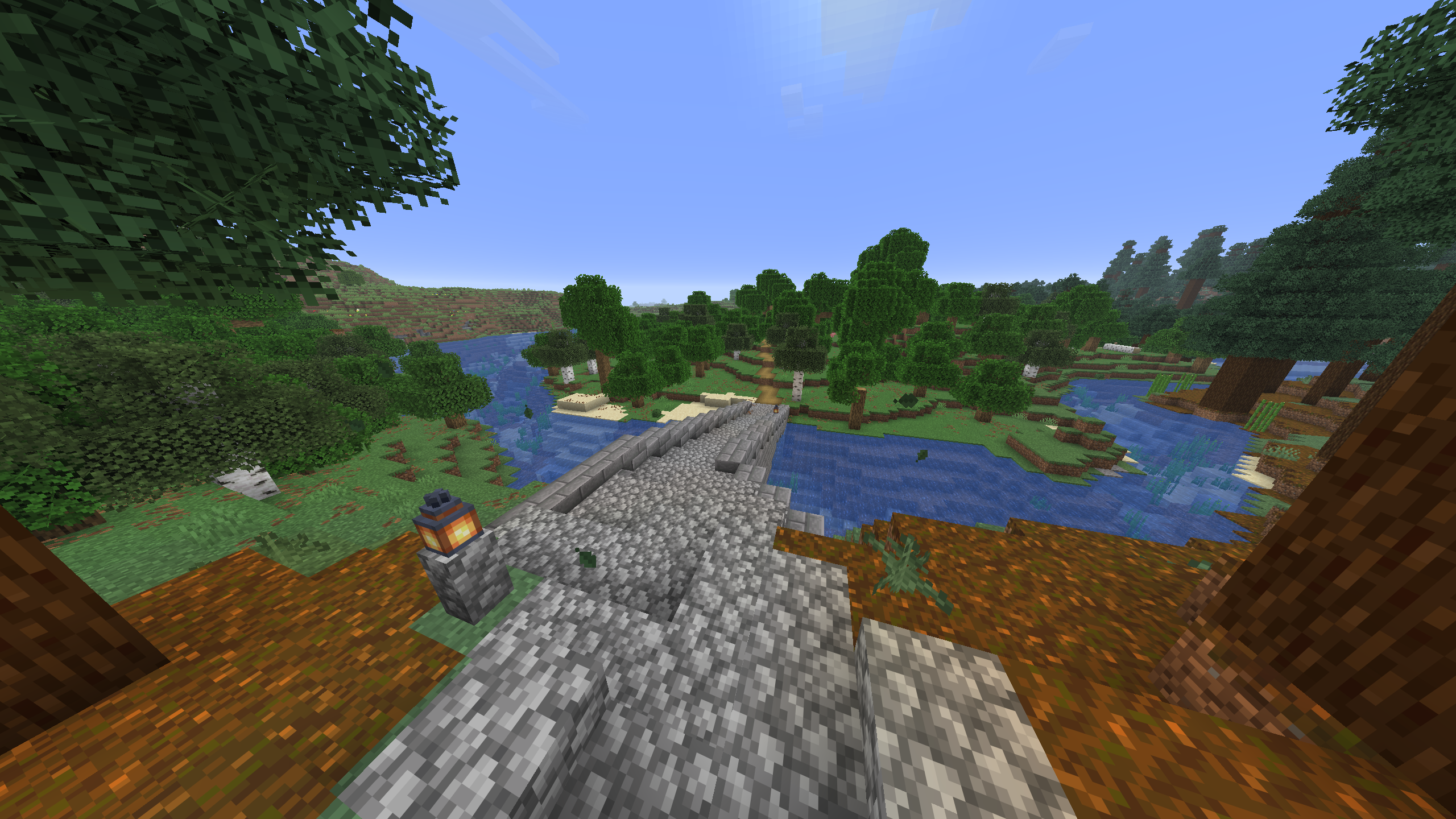
To get started, follow one of the roads out of spawn to find a nice location to build your base. You might eventually want to trade with or bring someone else to your base, so it could be beneficial to not settle too far away. But do not build right next to someone else without permission! Try to keep your architectural style similar to your neighbours.
Horses
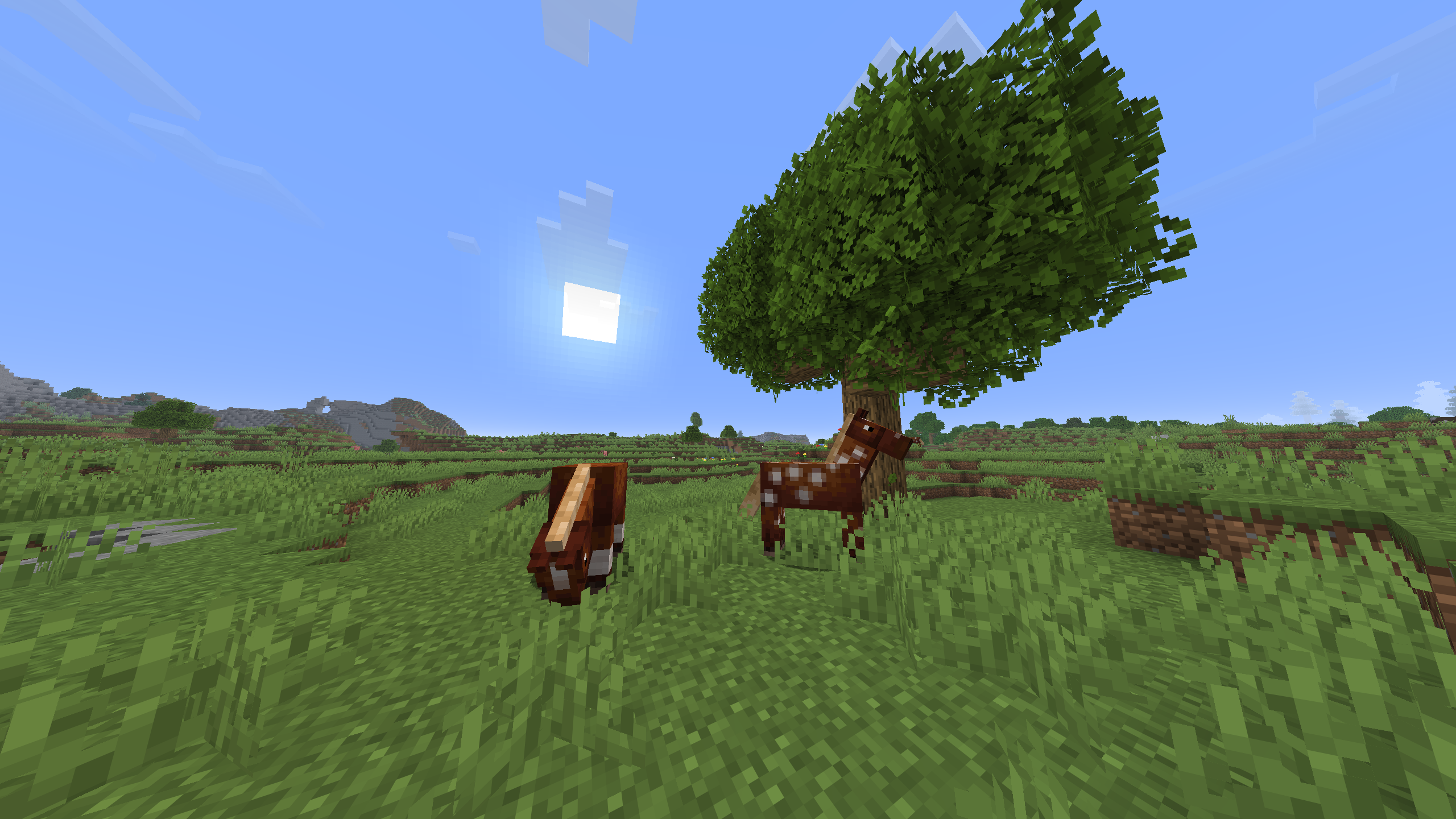
See if you can find a horse. This makes travelling and exploring faster, especially in flat terrain like plains. (Good news: In Minecraft 1.21.11 horses can now swim; crossing rivers and water is no longer so inconvenient.) To tame a horse, click on the horse with an empty hand repeatedly until it is tamed. Equip it with a saddle, and maybe some armour.
Cleaning
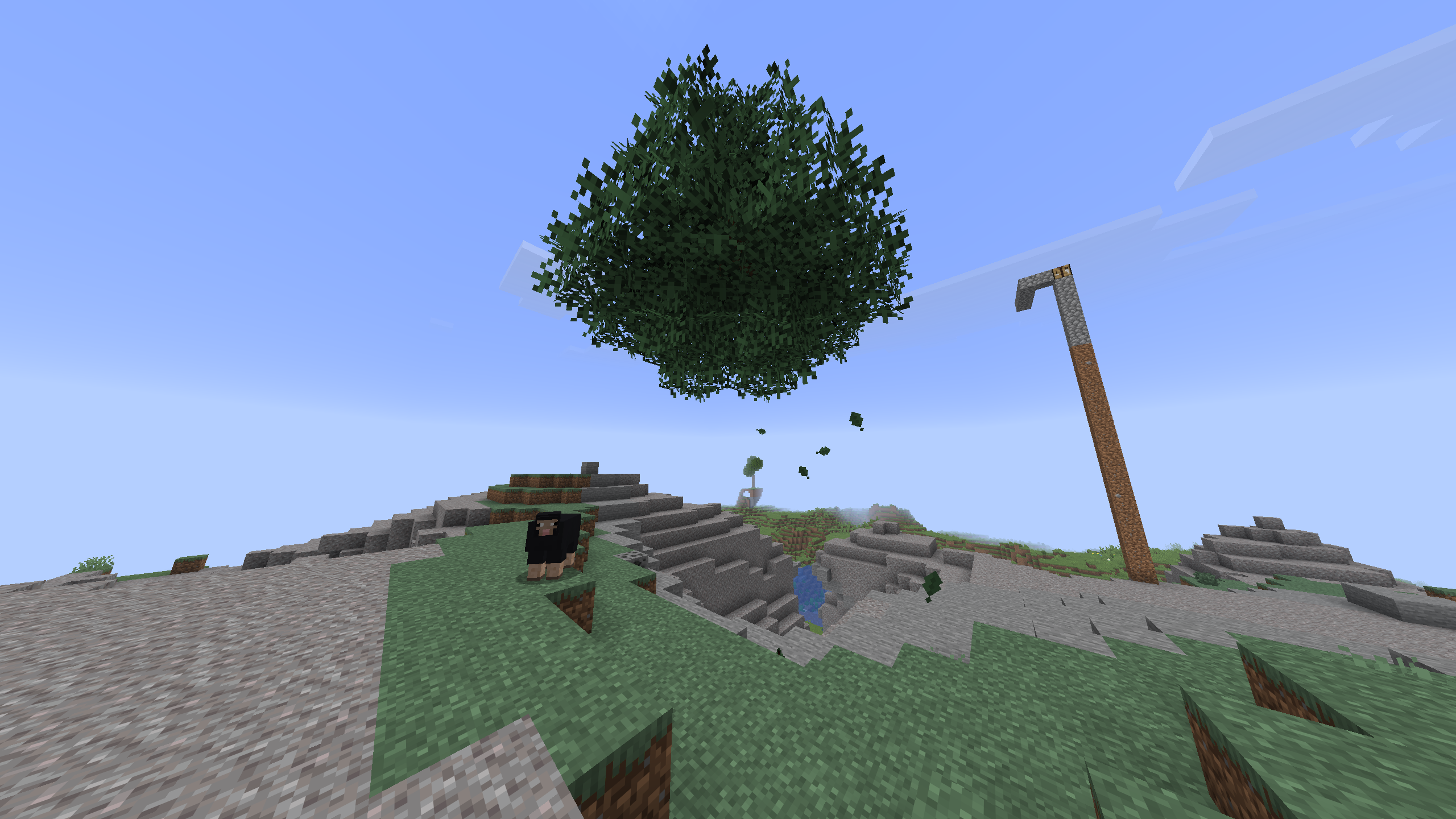
Please keep the terrain close to builds and roads clean. Please chop down the entire tree; do not leave floating treetops. Repair creeper explosions if you cause or come across one. Do not leave one-block wide dirt and cobblestone towers and similar.
Roads
Building a road that connects your base to the road network makes travelling by foot or horse much easier. It is encouraged to do so, as this eases trade and cooperation with others.
Action menu
Press the [G] key to open the quick actions menu. Here are some actions that can be performed.
- Spawn - teleport to spawn.
- Home - teleport home (to your bed). This action cannot be used if you are carrying raw materials.
Container locking
The LWC plugin can be used to lock blocks such as containers and doors.
- Use the command
/cprivateto lock a block. Only you will be able to access or use it. /cpubliccreates a public block. You will be the owner, but others will be able to access or use it.
Crafting copper equipment
To craft copper equipment, you must first find copper with sufficient quality. There is a ~3% chance to get quality copper from mining copper ore. Crafting copper equipment requires at least 1-star quality copper.
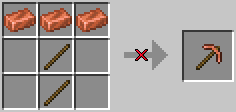
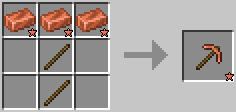
The same applies to iron, gold and diamond equipment. Iron and gold require 2-star quality ingots, and diamond requires 3-star quality diamonds.
Repairing
Repairing an item at an anvil no longer increases the item’s repair/combining cost. Repairing equipment does not have a penalty and is encouraged.
(Note: This does not apply to combining enchantments; this still increases the item’s combining cost.)
Compass
Holding a compass in your hand will show the direction towards spawn and nearby landmarks. You can also see the direction towards other players that are also holding a compass.
Bundle
While exploring you will pick up many items. A bundle lets you store many items in a single inventory slot. Craft one with a leather and a string.
Lodestone
Place a loadstone and click on it with a compass. The compass will now point towards this lodestone. This could help you get back to your base.
Death
When you die, you get banned for 30 minutes. (This might increase in the future.) A zombie spawns at your death location holding all your items. You can use a recovery compass to point to your death location.
Farming
Harvesting crops with a hoe automatically replant them. Higher tier material hoes have a larger radius letting you harvest multiple crops at once. The Efficiency enchantment also increases the radius of hoes. This applies to crops such as wheat, potatoes, carrots, beetroots and netherwart.
Rails & minecarts
Rails have been made cheaper to craft, and rails can now be crafted using copper too. Minecart speed has been significantly increased. This means that you can actually use minecarts for quick transport between two destinations.
For example, set up a minecart connection between your base and your mine. This would be useful since you cannot teleport home if you are carrying raw materials.